

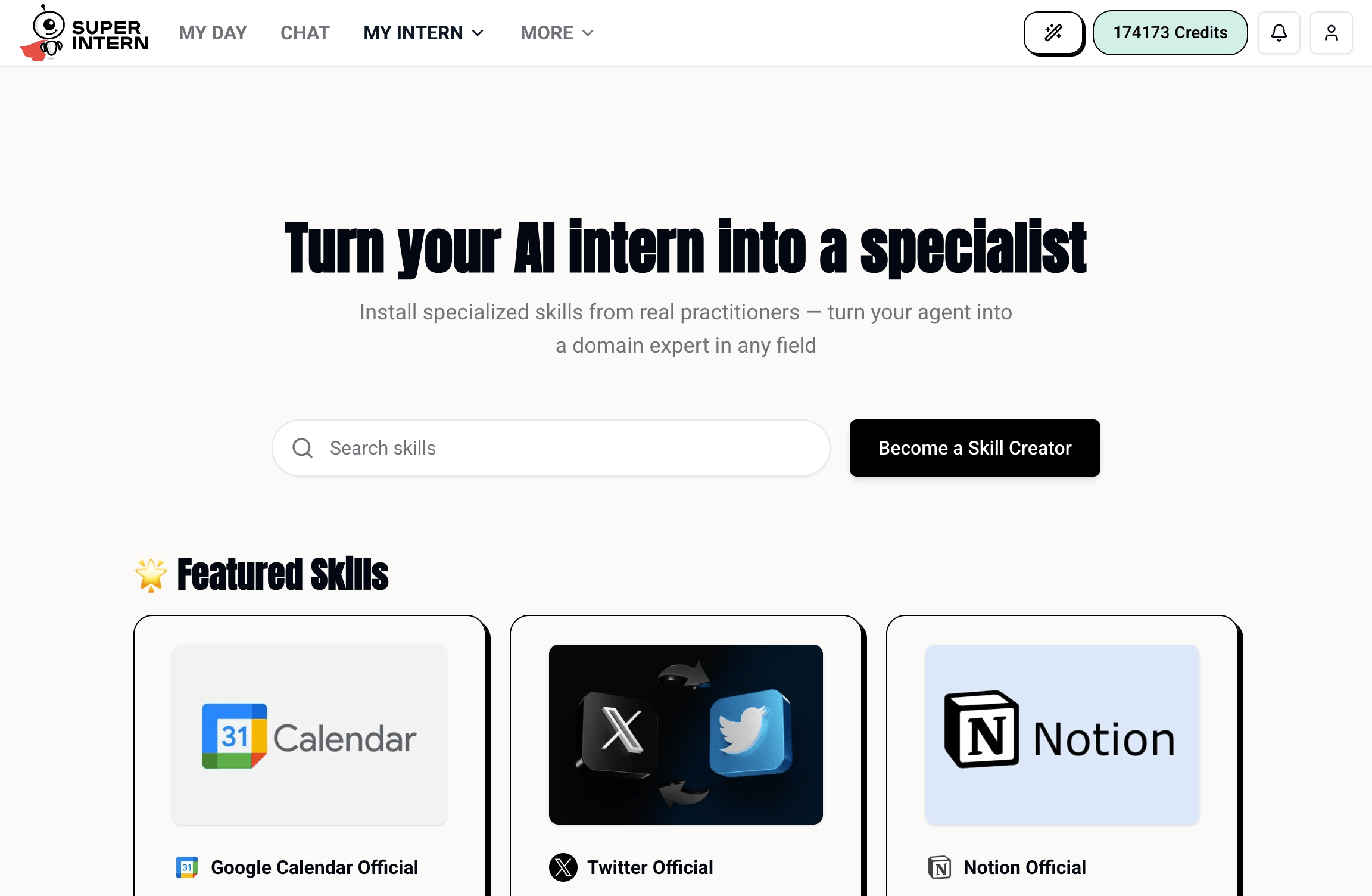
Popular Official Skills
Google Calendar Official
Search, schedule, update, and automate your meetings and events. See Why Connect Your Calendar.
Twitter Official
Comprehensive Twitter/X management and research, with multi-account support.
Notion Official
Manage, organize, and query your Notion workspace.
TikTok Official
Upload and publish videos or photos and track your account stats.
Gmail Official
Triage, draft, and follow up across your Gmail inbox.
Cursor Official
Launch coding agents, check their status, and provide follow-ups.
Installing an Official Skill
Browse and install from My Intern → Skills → Public Skills in the web app, or just ask:Official vs. Custom
- Official skills are maintained by SuperIntern, tested, and updated automatically.
- Custom skills are ones you build yourself — see How to Create a Skill.
The official library grows regularly. Follow the Changelog to see new skills as they ship.