

Types of Action Items
Action items are grouped into three categories, which you can filter using the All dropdown at the top of the Action Items tab.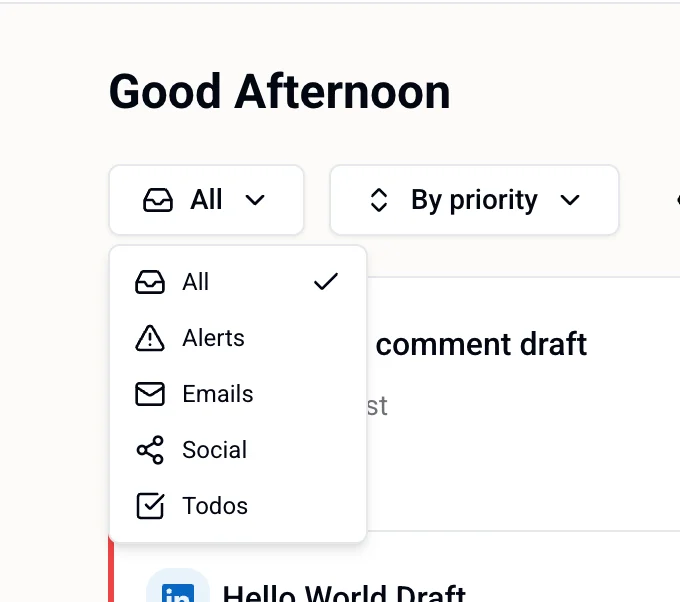
Alerts
Time-sensitive notifications your intern wants to flag — things that may need your attention or a quick decision.Emails
Draft emails your intern has composed on your behalf. Each item shows the recipient, subject line, and a preview of the body.Social
Draft posts and comments your intern has prepared for your connected social accounts — Instagram, LinkedIn, TikTok, and Twitter/X. Each item shows the platform, the account, and a preview of the draft content. Examples:- Instagram comment draft — @youraccount — a reply your intern wrote to a recent comment on your post
- LinkedIn post draft — a post ready for your review before it goes live
Reviewing an Item
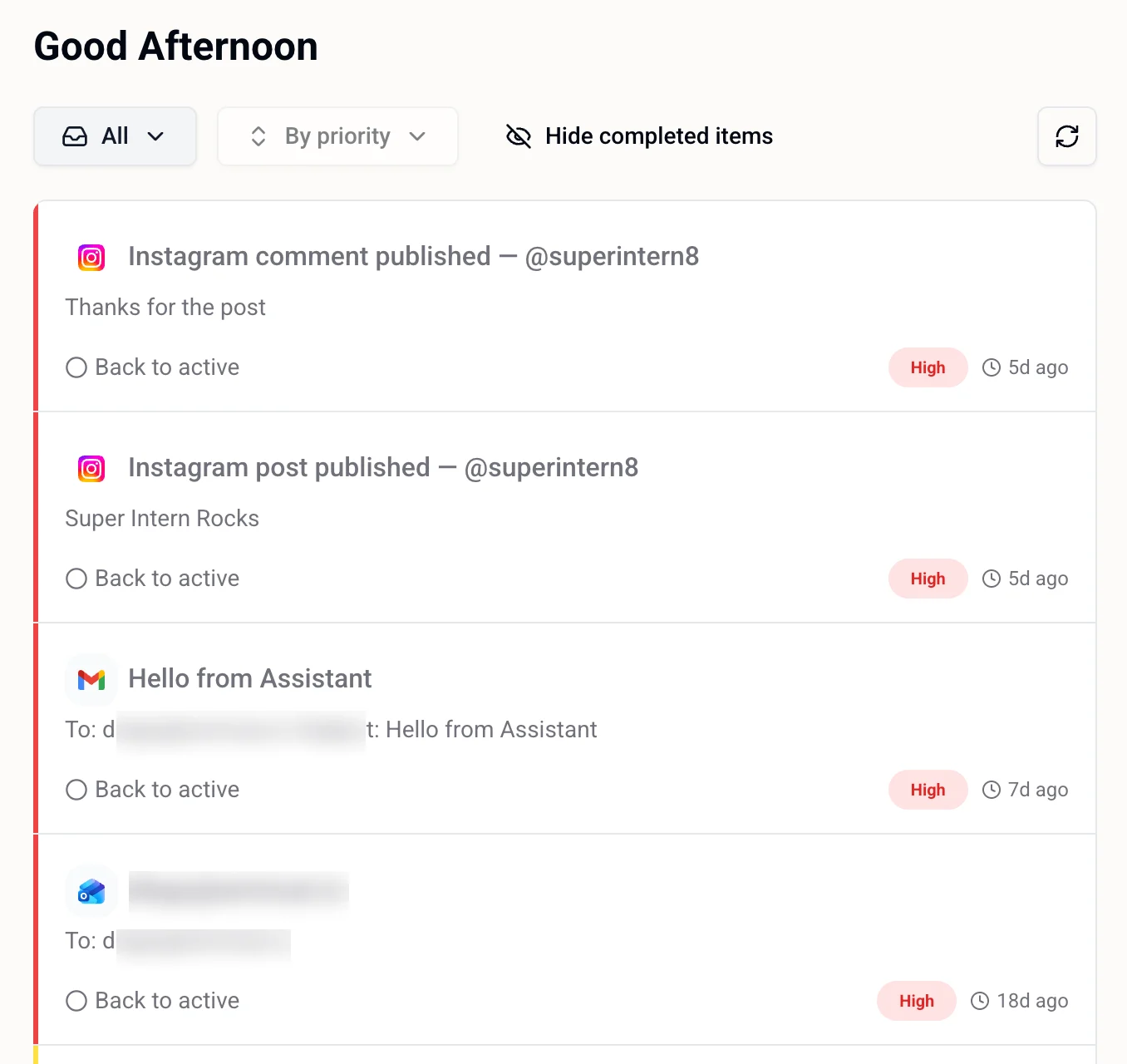
Each action item shows:- Platform icon — where it came from (Gmail, Instagram, LinkedIn, etc.)
- Title — what the draft or alert is about
- Preview — a snippet of the content
- Priority — High, Medium, or Low
- Timestamp — how long ago it was created
Filtering and Sorting
Use the controls at the top of the Action Items tab to manage the list:- Filter by type — All, Alerts, Emails, Social, or Todos
- Sort — By priority (default)
- Show / Hide completed items — toggle to see items you’ve already marked done
- Date picker — jump to a previous day to review its items
Related
- Todos & Reminders — things you’ve explicitly asked your intern to track
- Scheduled Tasks — longer multi-step automations your intern runs on your behalf
- Calendar & Meetings — your schedule and meeting controls
- Settings — standing rules about what your intern can act on without asking
- Integrations — connect social and email accounts to get more action items