The Tabs
Action Items
Items your intern surfaces for your attention — content drafts, emails to reply to, alerts,
and your todos. This is the default tab.
Calendar
Your upcoming events, with one-click meeting attendance for your intern’s bot.
Scheduled Tasks
The recurring and one-off work your intern runs on a schedule.
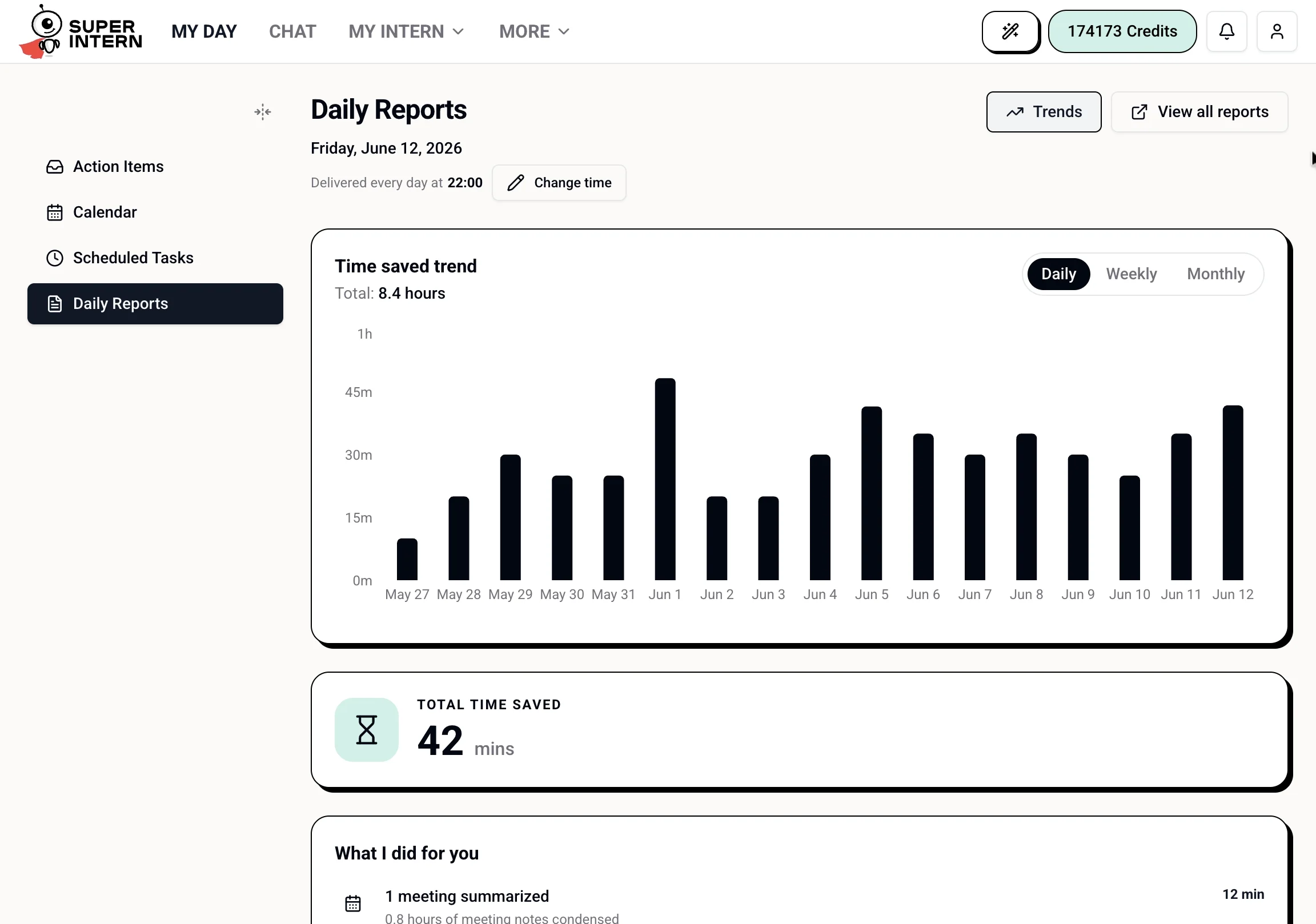
Daily Reports
Today’s recap of what your intern did for you, with time-saved metrics.
On desktop, the tabs live in a collapsible sidebar on the left. On mobile, they appear as a
horizontal tab bar at the top. Each tab keeps its own URL (
?tab=...), so you can bookmark or
share a specific view.Action Items
The default tab. Your intern lists items it has brought to your attention — things it proactively noticed, or drafts and tasks it has prepared for your review.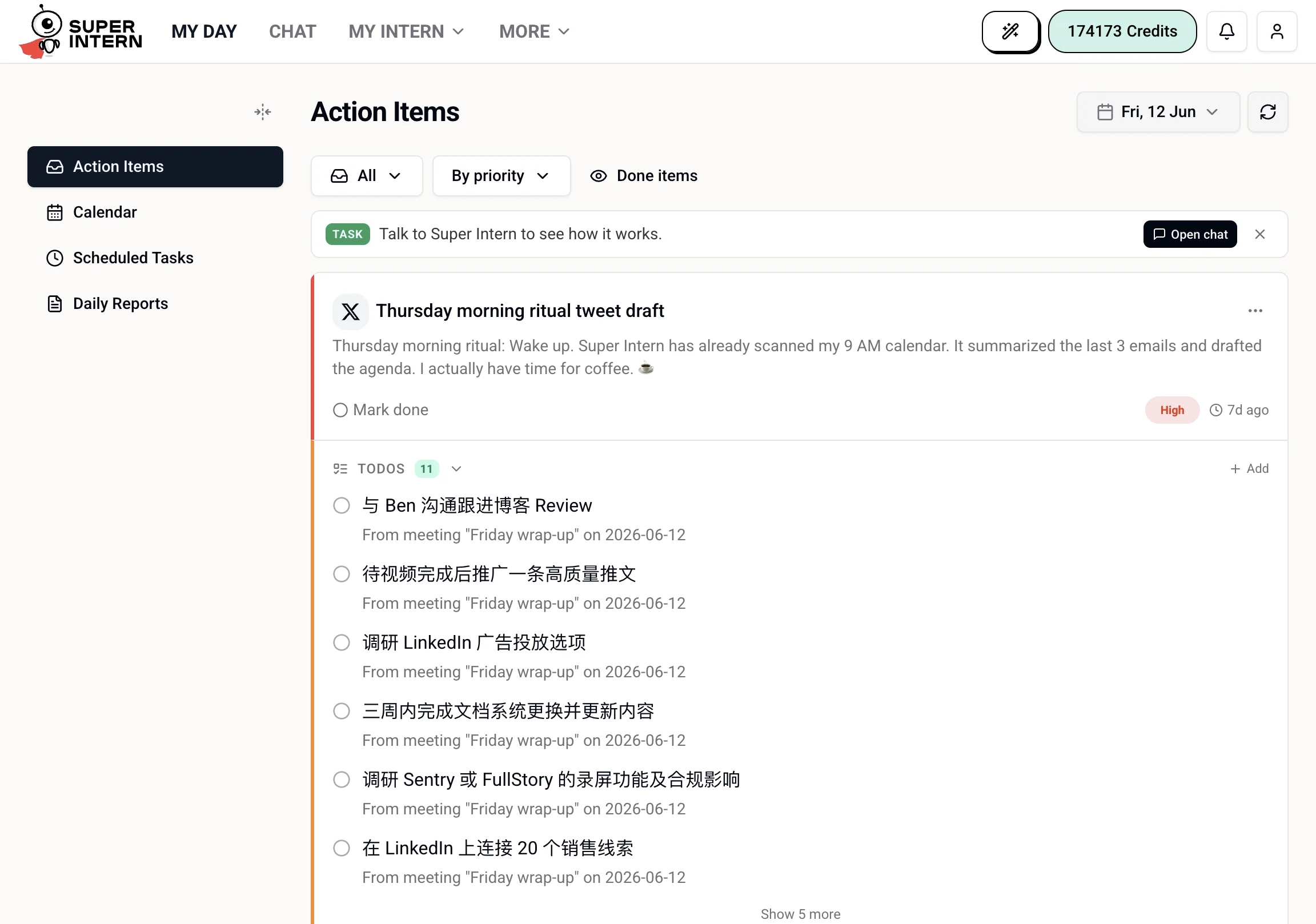
- A social media comment draft ready for you to approve or edit
- An email awaiting a reply
- A commitment you made in a meeting (“I’ll send that over by Friday”)
- A follow-up from a task that completed
Calendar
Your schedule, with each event showing the title, time, and a Join button for meetings with a supported video link. You can also toggle Auto-join to have your intern automatically join all accepted meetings as they start.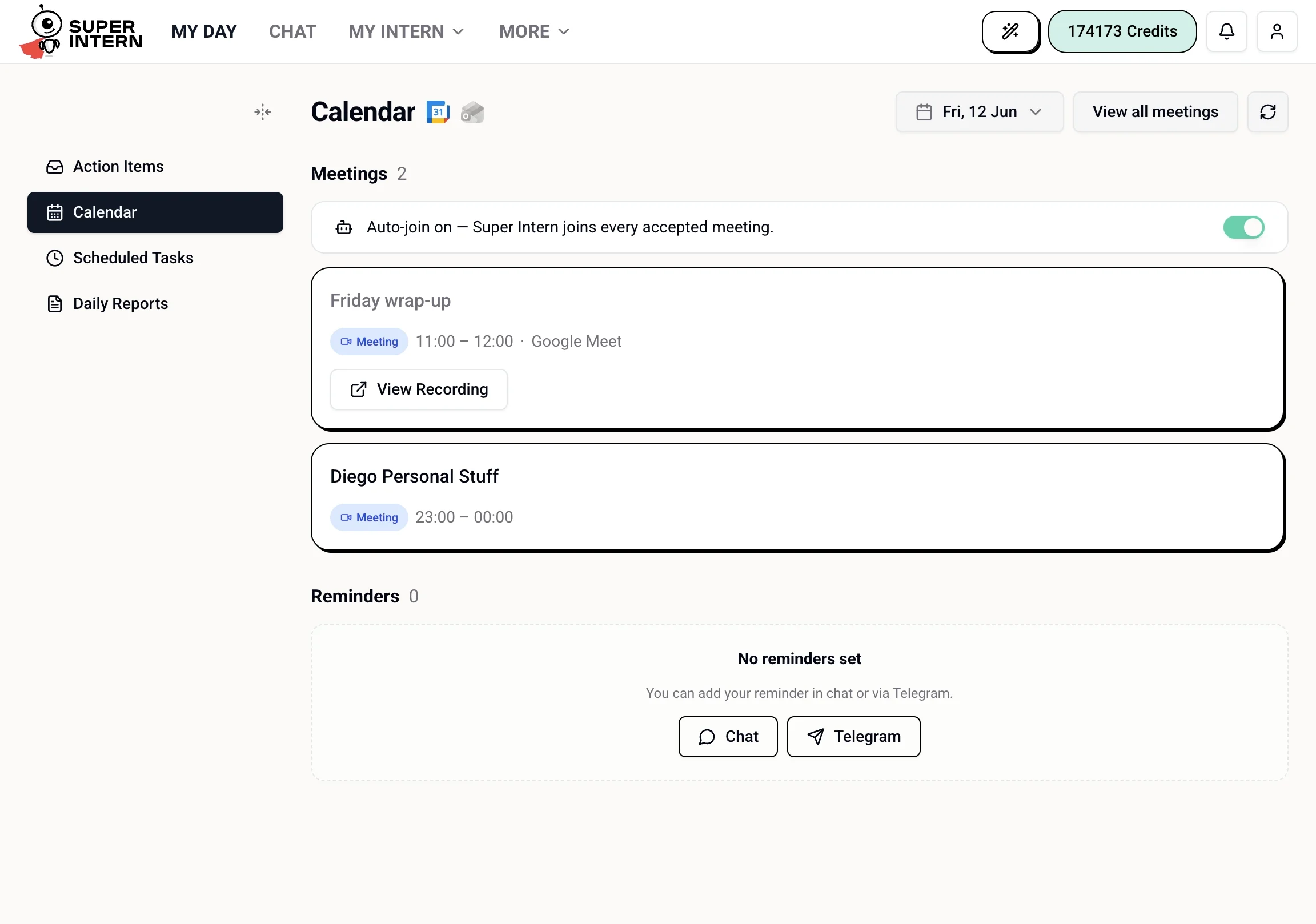
Scheduled Tasks
A view of the recurring and scheduled work your intern runs — what ran, what’s coming up, and the status of each task. The same information is available in the full My Intern → Scheduled Tasks page; see Scheduled Tasks.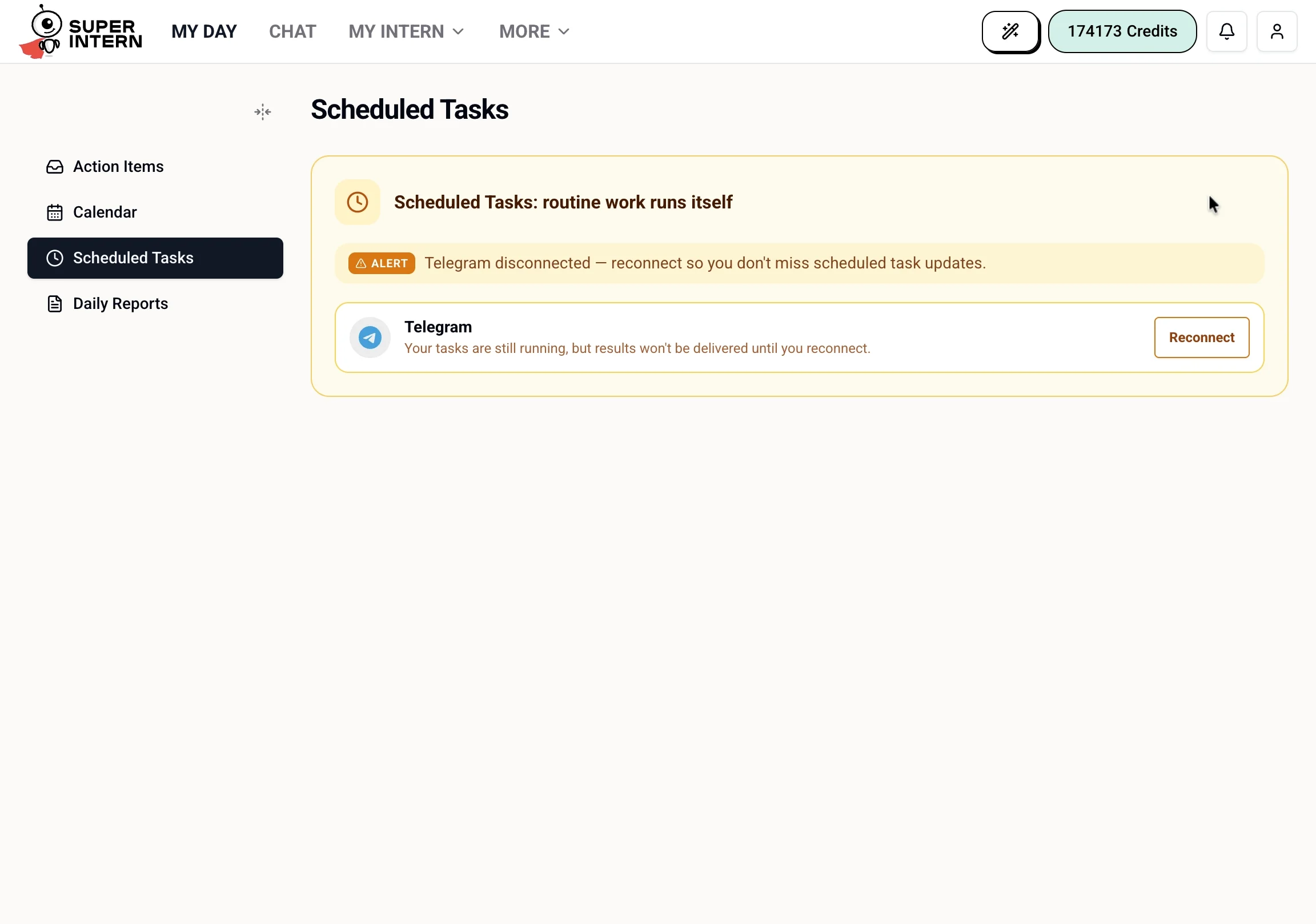
Daily Reports
Today’s recap: a generated summary of what your intern handled, plus metrics like emails processed, meetings summarized, and estimated time saved. You can also set the delivery time for your daily report here. For the full history and details, see Reports.